
WHAT IS WORDPRESS HOSTING AND WHO NEEDS IT?
WordPress is one of the most popular platforms for building websites, blogs, business websites, and online stores. However, to make a WordPress website accessible on the internet, you need a reliable hosting service. This is where WordPress hosting comes in.
WordPress hosting is a web hosting service designed to run WordPress websites. It provides the server resources and software environment needed to install, manage, and operate WordPress efficiently.
In this guide, we will explain what WordPress hosting is, how it works, its main features, and who should consider using it.
WHAT IS WORDPRESS HOSTING?
WordPress hosting is a type of web hosting optimized for websites built using WordPress. Hosting providers configure their servers to support WordPress requirements and may include tools that make website management easier.
Most WordPress hosting plans support PHP, MySQL or MariaDB databases, and other technologies required by WordPress.
Some providers also include one-click WordPress installation, automatic updates, security tools, backups, and performance optimization.
You do not necessarily need a special WordPress hosting plan to run WordPress. Many standard shared hosting and VPS plans can also host WordPress websites. The main difference is the level of optimization and WordPress-specific support included.
HOW DOES WORDPRESS HOSTING WORK?
When someone visits your WordPress website, the hosting server processes the request and delivers the website's content to their browser.
Your hosting account stores important website files, images, themes, plugins, and databases. WordPress uses these resources to display pages and manage website content.
The hosting provider supplies the server infrastructure that keeps your website accessible online.
Depending on your plan, the provider may also handle technical tasks such as software updates, backups, caching, and security monitoring.
KEY FEATURES OF WORDPRESS HOSTING
1. One-Click Installation
Many WordPress hosting plans offer automatic installation tools. This allows beginners to install WordPress without manually configuring databases and files.
2. Performance Optimization
Some providers configure caching, server software, and other resources specifically for WordPress. These features can help improve website loading speed.
3. Security Protection
WordPress hosting may include SSL certificates, firewalls, malware scanning, and security monitoring to help protect websites.
4. Automatic Backups
Regular backups help protect website files and databases. They can make it easier to restore your website if something goes wrong.
5. WordPress Updates
Some managed WordPress plans handle WordPress core updates automatically. However, plugin and theme updates may require separate configuration or customer approval.
6. Technical Support
WordPress-specific support can help users troubleshoot installation problems, compatibility issues, and hosting-related errors.
WHO NEEDS WORDPRESS HOSTING?
WordPress hosting is useful for different types of website owners.
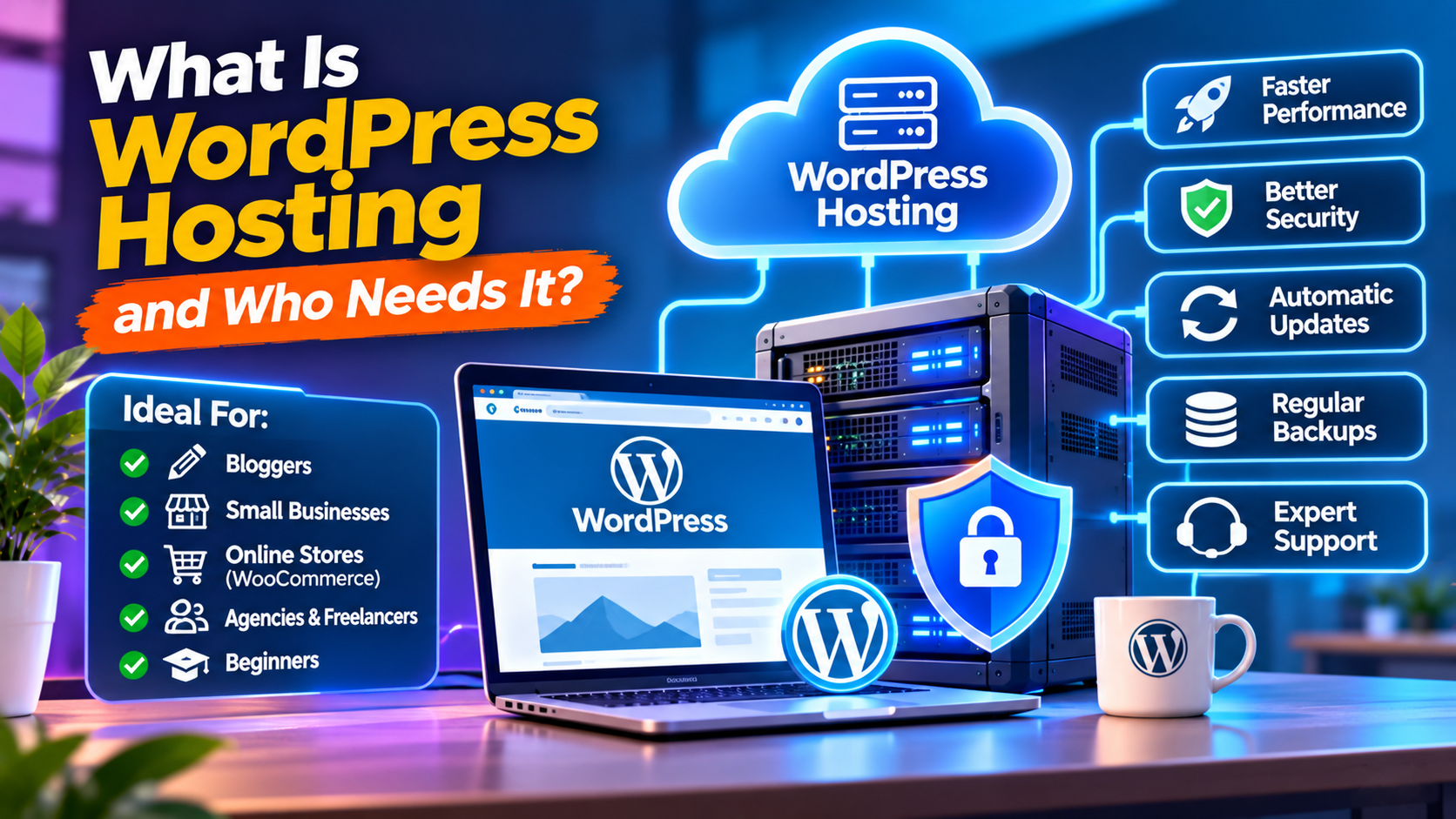
Bloggers and Content Creators: People publishing articles, tutorials, and news can use WordPress hosting to manage content without building a website from scratch.
Small Businesses: Companies can create professional websites to showcase services, provide contact information, and attract customers.
E-commerce Stores: Businesses using WooCommerce can host online stores and manage products, orders, and payments.
Agencies and Freelancers: Web designers and developers can use WordPress hosting to build and maintain websites for multiple clients.
Beginners: People creating their first website may benefit from easy installation tools and WordPress-specific support.
WORDPRESS HOSTING VS REGULAR WEB HOSTING
Regular web hosting provides server resources for different types of websites and applications. WordPress hosting is configured or packaged specifically for WordPress websites.
However, the distinction is not always significant. A good shared hosting or VPS plan can run WordPress successfully.
The important factors are server performance, available resources, security, backups, support, and pricing.
HOW TO CHOOSE THE RIGHT WORDPRESS HOSTING PLAN
Before purchasing WordPress hosting, consider your website's expected traffic, storage requirements, budget, and technical needs.
Check whether the provider offers sufficient CPU and RAM resources, SSD or NVMe storage, SSL certificates, backups, and reliable technical support.
Also compare renewal prices, backup retention policies, server locations, and upgrade options.
If you are a beginner, shared WordPress hosting may be enough. Growing websites may benefit from managed WordPress hosting or a VPS with suitable resources.
FINAL THOUGHTS
WordPress hosting makes it easier to launch and manage websites built with WordPress. It can provide useful features such as easy installation, performance optimization, security tools, backups, and technical support.
Whether you are starting a personal blog, business website, or online store, choose a hosting plan that matches your website's needs and future growth. Remember, the best WordPress hosting is not necessarily the most expensive option. It is the one that offers the right balance of performance, reliability, support, and price.
WordPress is one of the most popular platforms for building websites, blogs, business websites, and online stores. However, to make a WordPress website accessible on the internet, you need a reliable hosting service. This is where WordPress hosting comes in.
WordPress hosting is a web hosting service designed to run WordPress websites. It provides the server resources and software environment needed to install, manage, and operate WordPress efficiently.
In this guide, we will explain what WordPress hosting is, how it works, its main features, and who should consider using it.
WHAT IS WORDPRESS HOSTING?
WordPress hosting is a type of web hosting optimized for websites built using WordPress. Hosting providers configure their servers to support WordPress requirements and may include tools that make website management easier.
Most WordPress hosting plans support PHP, MySQL or MariaDB databases, and other technologies required by WordPress.
Some providers also include one-click WordPress installation, automatic updates, security tools, backups, and performance optimization.
You do not necessarily need a special WordPress hosting plan to run WordPress. Many standard shared hosting and VPS plans can also host WordPress websites. The main difference is the level of optimization and WordPress-specific support included.
HOW DOES WORDPRESS HOSTING WORK?
When someone visits your WordPress website, the hosting server processes the request and delivers the website's content to their browser.
Your hosting account stores important website files, images, themes, plugins, and databases. WordPress uses these resources to display pages and manage website content.
The hosting provider supplies the server infrastructure that keeps your website accessible online.
Depending on your plan, the provider may also handle technical tasks such as software updates, backups, caching, and security monitoring.
KEY FEATURES OF WORDPRESS HOSTING
1. One-Click Installation
Many WordPress hosting plans offer automatic installation tools. This allows beginners to install WordPress without manually configuring databases and files.
2. Performance Optimization
Some providers configure caching, server software, and other resources specifically for WordPress. These features can help improve website loading speed.
3. Security Protection
WordPress hosting may include SSL certificates, firewalls, malware scanning, and security monitoring to help protect websites.
4. Automatic Backups
Regular backups help protect website files and databases. They can make it easier to restore your website if something goes wrong.
5. WordPress Updates
Some managed WordPress plans handle WordPress core updates automatically. However, plugin and theme updates may require separate configuration or customer approval.
6. Technical Support
WordPress-specific support can help users troubleshoot installation problems, compatibility issues, and hosting-related errors.
WHO NEEDS WORDPRESS HOSTING?
WordPress hosting is useful for different types of website owners.
Bloggers and Content Creators: People publishing articles, tutorials, and news can use WordPress hosting to manage content without building a website from scratch.
Small Businesses: Companies can create professional websites to showcase services, provide contact information, and attract customers.
E-commerce Stores: Businesses using WooCommerce can host online stores and manage products, orders, and payments.
Agencies and Freelancers: Web designers and developers can use WordPress hosting to build and maintain websites for multiple clients.
Beginners: People creating their first website may benefit from easy installation tools and WordPress-specific support.
WORDPRESS HOSTING VS REGULAR WEB HOSTING
Regular web hosting provides server resources for different types of websites and applications. WordPress hosting is configured or packaged specifically for WordPress websites.
However, the distinction is not always significant. A good shared hosting or VPS plan can run WordPress successfully.
The important factors are server performance, available resources, security, backups, support, and pricing.
HOW TO CHOOSE THE RIGHT WORDPRESS HOSTING PLAN
Before purchasing WordPress hosting, consider your website's expected traffic, storage requirements, budget, and technical needs.
Check whether the provider offers sufficient CPU and RAM resources, SSD or NVMe storage, SSL certificates, backups, and reliable technical support.
Also compare renewal prices, backup retention policies, server locations, and upgrade options.
If you are a beginner, shared WordPress hosting may be enough. Growing websites may benefit from managed WordPress hosting or a VPS with suitable resources.
FINAL THOUGHTS
WordPress hosting makes it easier to launch and manage websites built with WordPress. It can provide useful features such as easy installation, performance optimization, security tools, backups, and technical support.
Whether you are starting a personal blog, business website, or online store, choose a hosting plan that matches your website's needs and future growth. Remember, the best WordPress hosting is not necessarily the most expensive option. It is the one that offers the right balance of performance, reliability, support, and price.